
Video Downloader - HD & Easy
360 ToolVideo Players & Editors
4.63.09K Reviews
- Version
- 1.4.9
- Installs
- 10.00M
- Age Rating
- Everyone
Screenshots
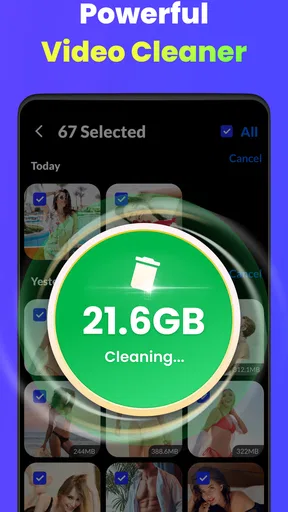
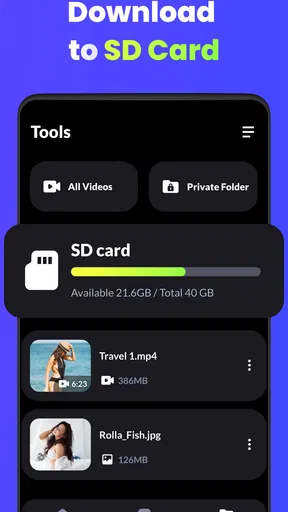
Our Review of Video Downloader - HD & Easy
 Analysis by Appyee
When I want to save a video for later, I care less about a long feature list and more about three practical questions: can I understand the controls quickly, can it handle the files I actually use, and will playback remain convenient after the download is finished? Video Downloader - HD & Easy is built around that straightforward job. It is a free Android app from 360 Tool in the Video Players & Editors category, aimed at people who want downloading and viewing in one place rather than a complicated editing suite.
My first impression is that the app makes the most sense as a simple utility. It is not trying to replace a full desktop media manager or a professional editor. Instead, it focuses on getting video onto a phone and making that video easy to watch. That narrow purpose is useful, especially when I am preparing for a trip, dealing with unreliable mobile coverage, or organizing clips that I want available without repeatedly streaming them.
How I Decide Whether This Downloader Is Worth Using
I judge a downloader by the complete workflow, not just by whether a download button exists. The important details are how quickly I can find the right option, whether the app supports the formats I normally encounter, how clearly it handles high-resolution files, and whether the saved result is easy to locate afterward. A tool can claim broad compatibility and still be frustrating if its file handling is confusing.
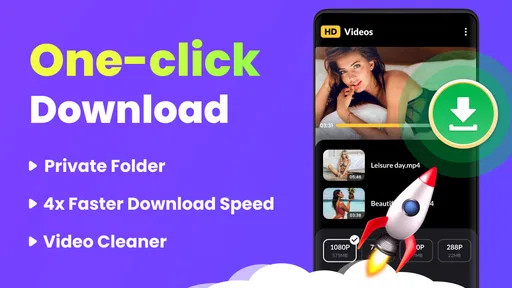
This app has a useful starting point because its store summary emphasizes HD video downloading, broad format support, and playback and downloading in 4K. Those capabilities point to a flexible media tool rather than an app limited to one narrow file type. In practical terms, that matters when a phone contains a mixture of ordinary clips, larger high-quality recordings, and videos shared in formats that do not always behave consistently in basic gallery apps.
I also consider the cost of trying an app like this. Since it is free and rated for Everyone, the barrier to testing it is low for a general household device. It supports Android 6.0 and later, so compatibility reaches well beyond only the newest phones. The current release is version 1.4.9, which gives users a clear version reference when checking whether their installation is current.
There is also a difference between downloading a video and having a good offline library. Before relying on any downloader, I think about storage space, file naming, and whether I will remember where the files went. High-definition and especially 4K material can consume storage quickly, so the app is most useful when I pair it with a simple routine: download only what I need, watch it, and remove large files that no longer serve a purpose.
A realistic everyday workflow
Imagine I am leaving home for a long journey and expect patchy reception. I can use the app beforehand to prepare a small selection of videos, choosing quality with the available storage in mind. Once offline, the value is not merely that the files exist; it is that I can open the same utility and play them without searching through several unrelated folders or switching between a downloader and a separate player.
That workflow is particularly helpful for someone who is not comfortable managing files manually. A more technical user may prefer to download into a carefully organized folder structure, rename everything, and use a dedicated media library. For a casual user, reducing those steps can be more important than having every advanced library feature.
What the broad format support changes
Format flexibility is one of the more meaningful reasons to consider this app. Phones often receive videos from different sources, and a basic player may handle one file smoothly while rejecting another or offering limited playback controls. A downloader that also supports playback can reduce that friction. I would still treat “all formats” as a reason to test the files I personally use, not as a promise that every unusual file will behave identically on every phone.
The 4K focus is also a trade-off rather than an automatic benefit. If I have a modern display and enough storage, higher resolution can make downloaded footage look much better. If I am using a smaller phone or trying to conserve space, a lower resolution may be the more sensible choice. The best setting is the one that matches the screen, storage, and purpose of the video—not simply the highest option available.
Where Video Downloader - HD & Easy Fits Best
The strongest case for this app is convenience. It combines the two tasks most people associate with offline video use: saving content and playing it later. That makes it a practical choice for viewers who do not want to assemble a separate downloader, file browser, and media player workflow.
I can also see it working well for people who regularly move videos between contexts. A clip may be downloaded at home, watched during a commute, and removed later to recover space. The app’s value in that situation comes from reducing the number of tools involved. Fewer handoffs mean fewer chances to lose track of a file or forget which player supports it.
Another strength is the balance between accessibility and capability. The app is not positioned as a professional production environment, and that is a positive for its intended audience. Someone who only wants to save and watch videos does not need a timeline, color controls, or a complicated project system. The free price also makes experimentation easier: I can see whether the workflow suits me before committing money to a specialized tool.
The public response suggests that many people find the general approach useful. The app has a 4.6 average from around 181 thousand ratings, with roughly 3.1 thousand written reviews, and it has passed 10 million installs. Those figures do not tell me that every device or source will behave perfectly, but they do indicate that this is an established utility rather than an obscure experiment with no visible user base.
Small habits that make it more useful
My first tip is to treat quality selection as a planning decision. For a short clip that I will watch once on a phone, the largest available file is often unnecessary. For footage that I want to inspect closely or show on a larger screen, higher quality makes more sense. Choosing deliberately keeps the download folder manageable and avoids filling storage with versions that look almost identical on a small display.
My second tip is to create a cleanup moment. After a trip or a viewing session, I would review the saved videos immediately instead of allowing temporary downloads to become a permanent, disorganized archive. This is especially important when using HD or 4K files. The app can make saving easy, but only a simple personal routine keeps that convenience from turning into storage clutter.
My third tip is to test one representative file before starting a large batch. I would choose a normal video, a higher-resolution example, and any unusual format I use frequently. That quick check can reveal whether the combination of source, device, storage, and playback behavior works for my needs. It is a more reliable approach than assuming that a broad compatibility statement will cover every edge case.
A fourth useful habit is to separate permanent material from temporary viewing. Videos that I need to keep should be backed up through my usual method rather than treated as safe merely because they appear inside a downloader. Videos intended for one journey or one event can remain temporary. This distinction helps me decide what deserves careful organization and what can be deleted without hesitation.
Where another category may be better
This app is not the right choice for every video task. If my main goal is editing—cutting scenes, adding captions, balancing audio, or building a polished project—I would choose a dedicated video editor. A downloader and player can prepare footage, but that does not make it a production workspace. The category matters: this is a viewing and downloading utility, not a substitute for an editor with a full timeline.
If I already use a cloud storage service as the center of my media library, a cloud-first workflow may be cleaner. In that setup, I may prefer streaming or syncing selected files across devices rather than maintaining a separate local download collection. The alternative is less about better playback and more about organization, access across devices, and avoiding duplicate copies.
A dedicated media player may also suit advanced users better. Someone who needs detailed library sorting, extensive subtitle management, network playback, or carefully controlled audio and video behavior may want a specialist player. I would not choose this app solely because it mentions high-resolution playback if my real requirement is a deep set of playback controls.
There is another important boundary: downloading should be used responsibly. I would only save videos when I have permission or when the source and applicable rules allow it. The app’s ability to handle downloads does not change ownership, copyright, platform terms, or privacy expectations. For personal use, that means being thoughtful about what I save and where I store it, particularly when videos include other people or sensitive material.
The Real Cost of Switching to This Workflow
Moving from a browser-only routine to a dedicated downloader is easy at first, but the long-term change is organizational. I gain offline access and a more direct viewing path, yet I also take responsibility for local files. Downloads need storage, they can become outdated, and they may be harder to find if I do not keep a consistent naming or cleanup habit.
Switching from a separate downloader and media player can be simpler because this app brings those jobs together. The trade-off is that a combined tool may not offer the depth of two highly specialized apps. I would accept that exchange if my priority is speed and simplicity. I would stay with separate tools if I already have a carefully managed library or need advanced controls every day.
There is also a device-performance consideration. High-resolution playback and large downloads can be demanding, especially on older hardware or when storage is nearly full. Android 6.0 compatibility makes the app accessible to older systems, but that does not mean every older device will provide the same smooth experience with demanding video files. I would leave extra storage available and avoid judging the app using only the most demanding file I can find.
For families, the Everyone age rating makes the app easier to consider as a general-purpose utility, but age labeling should not replace supervision. The videos being downloaded still determine whether the content is suitable. I would also explain to less experienced users that a saved file is not automatically backed up, and that deleting it from the device may be permanent unless another copy exists.
One practical question is whether the app is free to install and use. It is listed as free, which makes it a low-risk option for testing. Another is whether an older Android phone can run it; the minimum requirement is Android 6.0. A third is whether it can handle high-resolution material; 4K playback and downloading are part of its stated focus, although the final experience will still depend on the phone, available storage, and the particular video.
Users also often wonder whether they need another player after downloading. The app is designed to cover playback as well as saving, so its appeal is precisely that it can serve both roles. I would only add a separate player if I needed specialist controls or if my existing library workflow was already better suited to one.
Finally, I would ask whether the app is appropriate for someone who downloads only occasionally. In that case, the answer depends on the inconvenience of the current method. If occasional downloads are already easy through the phone’s existing tools, installing another app may add little. If finding compatible files or playing them offline is repeatedly frustrating, the combined approach becomes more worthwhile.
My Recommendation for Different Types of Users
I recommend Video Downloader - HD & Easy to anyone who wants a straightforward way to save videos and watch them later on an Android phone. It is especially appealing for travel preparation, temporary offline collections, mixed-format video libraries, and users who prefer one accessible tool instead of several specialized apps.
I would recommend it less strongly to professional editors, serious media archivists, and people whose entire library already lives comfortably in a cloud or specialist player ecosystem. Those users may value deeper organization and control more than the convenience of combining downloading with playback.
My overall view is positive because the app understands a common need without making the decision unnecessarily expensive. The free model, broad Android reach, high-resolution focus, and established user base make it a sensible app to try. The important qualification is that its success depends on using it with realistic expectations: manage storage, test the formats that matter to you, and do not confuse a convenient downloader with a complete media-management or editing solution.
If I were recommending it to a friend, I would say this: install it when your main problem is getting videos onto your phone and playing them without extra steps. Start with a small download, check how the files fit your own routine, and choose quality according to your storage rather than always selecting the maximum. Its best feature is the reduction of everyday friction, and for that specific job, 360 Tool has produced a practical free option.
Verdict
Strengths of Video Downloader - HD & Easy
- Supports multiple video resolutions, including HD options.
- Simple interface makes downloads easy for beginners.
- Built-in file management helps organize saved videos.
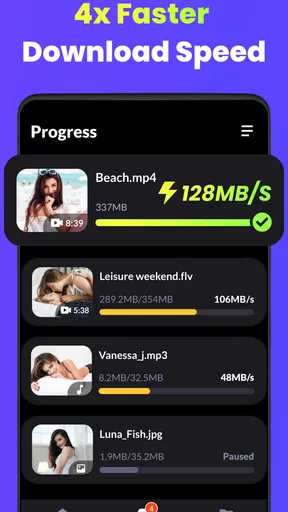
- Fast download speeds on stable Wi-Fi connections.
- Useful background downloading keeps the process running while multitasking.
Limitations of Video Downloader - HD & Easy
- May contain frequent ads, especially in the free version.
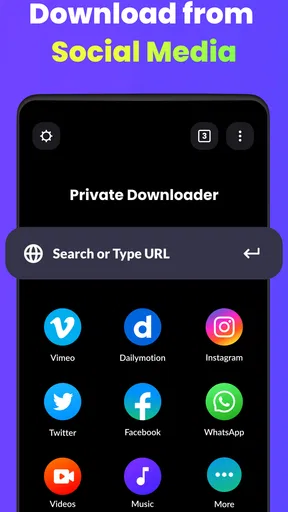
- Some websites may be unsupported due to platform restrictions.
- Downloaded videos can consume significant device storage.
- HD downloads may use considerable mobile data.
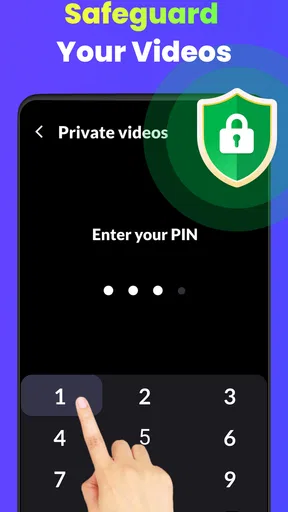
- Privacy permissions should be reviewed before granting access.
Other Releases by 360 Tool
View All
App Lock - Fingerprint Lock
Productivity4.6

Volume Booster - Sound Booster
Music & Audio4.7
Similar Picks in This Category
View All
Google TV
Google LLC3.9

iTunes
Apple4.7

YouTube
Google LLC3.8

MX Player
Amazon Mobile LLC4.2

CapCut - Video Editor
Bytedance Pte. Ltd.3.5

PLAYit-All in One Video Player
PLAYIT TECHNOLOGY PTE. LTD.4.5
Frequently Asked Questions
What is Video Downloader - HD & Easy used for?
Video Downloader - HD & Easy is designed to help users save supported online videos to their device for later viewing. Its main appeal is a simple download process, HD quality options where available, and convenient offline access. However, the app does not make every video downloadable, and availability can depend on the website, video format, connection speed, and content owner restrictions.
Can Video Downloader - HD & Easy download videos from any website?
No. The application should not be treated as a universal downloader for every website or social platform. Some services block downloading, require an account, use protected streaming technology, or prohibit saving content through their terms of service. Before starting a download, users should check whether the source supports this function and avoid attempting to bypass technical protections or access restrictions.
Does the app support HD video downloads and different file qualities?
The app may offer several quality or resolution choices when the source provides them, including HD options in some cases. The actual result depends on the original video, the website, available formats, storage space, and internet speed. Choosing higher quality generally produces a larger file, so users with limited storage or mobile data may prefer a lower resolution.
Is Video Downloader - HD & Easy free to use, and are there ads?
The basic downloading experience may be available without payment, but users should review the current store listing for advertising, optional purchases, subscriptions, or feature limitations. Free versions of downloader apps commonly include ads or restrict certain functions. It is also important to read any payment screen carefully and confirm the price and renewal terms before accepting a trial or subscription.
Is it legal and safe to download videos with this app?
Using the app is not automatically illegal, but the legality depends on the video, its copyright status, the source platform’s rules, and how the downloaded file is used. Download only content you own, have permission to save, or that is clearly offered for offline use. Install the app from a trusted store, review requested permissions, and avoid suspicious download links or copyrighted redistribution.
